Tag: Knowledge Base
How to Delete Spam
How to Delete Spam
* Apache SpamAssassin™ is a mail filter that identifies spam. It is an intelligent email filter that uses a diverse range of tests to identify unsolicited bulk email, more commonly known as spam. These tests examine email headers and content to classify email with advanced statistical methods. More information is available at spamassassin.apache.org .
To filter and delete Spam :
1- go to your cpanel link (your domain/cpanel) .
2- click on Apache Spam Assassin .
3- Choose Score Number .
(5 is the default setting. The higher the number, the more conservative the setting) .
4- Click on Auto-Delete Spam .
How to Enable Apache Spam Assassin
Enable Apache Spam Assassin
* Apache SpamAssassin™ is a mail filter that identifies spam. It is an intelligent email filter that uses a diverse range of tests to identify unsolicited bulk email, more commonly known as spam. These tests examine email headers and content to classify email with advanced statistical methods. More information is available at spamassassin.apache.org .
To Enable Apache Spam Assassin :
1- go to your cpanel link (your domain/cpanel) .
2- click on Apache Spam Assassin .
3- Click on Enable Apache Spam Assassin .
How to reset client area password
reset client area password
To reset client area password :
1- go to client area link (http://clients.ne.com.eg/clientarea.php) .
2- click on (Request a Password Reset) .
3- enter the registered email address and click on (submit) .
How to create E-Mail Accounts
create E-mail Accounts
* This section allows you to manage the email accounts that are associated with your domain .
To create E-mail Accounts :
1- go to your cpanel link (your domain/cpanel) .
2- Click on E-Mail Accounts on Your Clint Area .
3- write Your E-mail .
4- Choose your domain name .
5- enter Password and confirm the password .
6- choose your Mailbox Quota ( limited or Unlimited ) .
7- Click on Create Account .
How to login to client area
login to client area
To login to client area:
1- go to client area link (http://clients.ne.com.eg/clientarea.php).
2- enter the username and password.
How to login to websitepanel
login to website panel
To login to website panel:
1- go to websitepanel link (https://wn22.dnsegypt.net:8443/).
2- enter the username and password.
How to login to cpanel
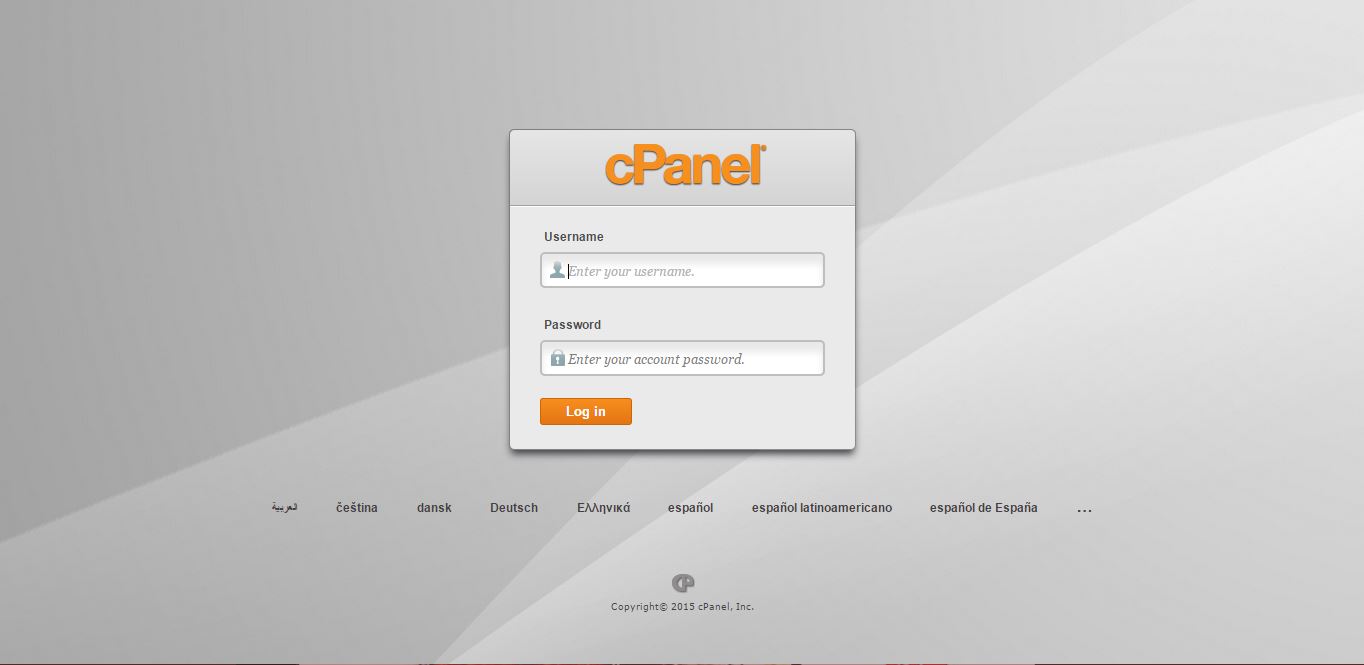
login to cpanel
To login to cpanel :
1- go to your cpanel link (your domain/cpanel).
2- enter the username and password.